Minecraft finally gets a native Nintendo Switch 2 version tomorrow, and for once the upgrade story is mostly good news. If you bought Minecraft digitally on the original Switch, the new version is free. If you play on a cartridge, it is a little more complicated. And everyone who touches the Marketplace on a Nintendo console needs to know about a Minecoins change that kicks in the same day.
I have been playing Bedrock on the original Switch for years, mostly in handheld on long trips, and it always felt like the weakest version of the game: short render distance, slow chunk loading and no shader upgrade. The Switch 2 version is built to fix exactly that. Here is what launches, what it costs, who gets it free, what happens to your worlds and Minecoins, and how it plays according to the first reviews. Sources are Mojang's pre-order and upgrade announcement, Nintendo's release date post, the US Nintendo eShop listing and Mojang's Minecoin notice.
Release Date and Time
Minecraft for Nintendo Switch 2 releases on Tuesday, October 27, 2026. Nintendo announced the date back in August and Mojang opened pre-orders on October 7. The US eShop lists October 27 as the release date for all three digital editions, and physical copies hit retail the same day.
Neither Mojang nor Nintendo has given a precise unlock hour for the game itself. The one official time attached to launch day is in the eShop listing's upgrade fine print, which says the in-game upgrade offer for Switch 1 players starts on October 27 at 9 AM PT. That is 11:00 AM Central Time. It is a reasonable guess that the store side flips around then, but treat it as a guide, not a promise.
One regional wrinkle: Nintendo Australia's pre-order post says physical copies launch on 27 October and digital copies on 28 October there. In the Americas, both formats are dated October 27.
Editions and Prices
There are three digital editions on the eShop, plus a physical Standard Edition at retail. US prices from the eShop listing:
| Edition | US price | What you get |
|---|---|---|
| Standard Edition | $29.99 | Full game plus the Super Mario Mash-Up Pack with Vibrant Visuals |
| Deluxe Collection | $39.99 | Standard plus Celebration Food, Rescue Dogs and Plenty O'Blocks add-ons, 3 exclusive Character Creator items, 700 Minecoins |
| Ultimate Collection | $49.99 | Standard plus the three Deluxe add-ons, Decocraft and Weapons + Tools, 5 exclusive Character Creator items, 1,000 Minecoins |
A couple of notes on value. The add-ons are the kind of content you will either love or never open: extra food items, rescue dog companions, building blocks, decor and gear. The Minecoins are the more concrete bonus, but Mojang's fine print says the included coins, and any coins bought in Minecraft on a Nintendo device, must be used in the Nintendo ecosystem. If you split your time between Switch 2 and a PC or phone, the Standard Edition is the cleaner buy.
The game is rated E10+ by the ESRB, with Fantasy Violence, Users Interact and In-Game Purchases descriptors.
The Free Upgrade for Digital Switch 1 Owners
This is the headline for most existing players. If you already own a digital copy of Minecraft for Nintendo Switch, you can get the digital Switch 2 Standard Edition for free. The details from Mojang and the eShop listing:
- Deadline: the offer runs until the end of January 2027. The eShop listing puts it at January 31, 2027.
- eShop only: you have to claim it through the Nintendo eShop on the Nintendo Account that owns the Switch 1 version.
- Almost free everywhere: Japan, Taiwan and Thailand pay a token fee of 100 JPY, 30 NTD and 25 THB respectively.
- Discounted bigger editions: you can choose the Deluxe or Ultimate Collection at a reduced price instead. Mojang has not published the exact discount, but Nintendo Everything reported seeing 75 percent off Deluxe and 60 percent off Ultimate on its account.
How to claim it
- Open the Nintendo eShop on your Switch 2, or on nintendo.com, signed in to the Nintendo Account that bought Minecraft for Switch.
- Search Minecraft and open the listing marked Nintendo Switch 2.
- Check that the Standard Edition shows as free. If it shows $29.99, you are on the wrong account or you own the cartridge version.
- Claim it before January 31, 2027. Before launch it appears as a free pre-order, and it becomes playable once it unlocks on October 27.
- Once in game, sign in with your Microsoft account to bring your Marketplace purchases, Realms and cross-play friends with you.
What Physical Cartridge Owners Get
If you own Minecraft for Switch on a cartridge, there is no free upgrade. Your cartridge will still run the original Switch version on a Switch 2 through backward compatibility, but you will not get Vibrant Visuals or the other improvements.
There is a consolation offer. The eShop listing says that for all players, including owners of a physical version, launching Minecraft for Nintendo Switch on a Switch 2 between October 27, 2026 at 9 AM PT and January 31, 2027 at 9 AM PT triggers an in-game message inviting you to upgrade to the digital Ultimate Collection for Switch 2 at a discount. In Central Time that window runs from 11:00 AM CT on October 27 to 11:00 AM CT on January 31.
Nintendo Life's review called this approach "tightfisted" compared with other publishers' upgrade paths, and the comments under the review are full of unhappy cartridge owners. Mojang has not said how big the cartridge discount is. If you own the cartridge, my advice is to boot it on your Switch 2 after 11 AM CT tomorrow, look at the actual price in the message, and decide from there.
Your Worlds, Marketplace, Realms and Friends
The eShop listing confirms that Nintendo Switch worlds can be carried over, so you can pick up where you left off. Nintendo Life's review also says save data and worlds carry forward. Mojang has not posted a step by step for the transfer yet, so check the in-game prompts on first launch.
Everything tied to your Microsoft account follows you as usual:
- Marketplace purchases (skins, worlds, texture packs) are linked to your Microsoft account. Sign in with the same one on Switch 2.
- Realms live on Mojang's servers, not on your console. The listing says Realms Plus gives you a private server for up to 10 friends.
- Marketplace Pass or Realms Plus includes 150+ worlds, skin packs and texture packs that refresh monthly.
- Cross-play with PC, Xbox, PlayStation and mobile still requires a Microsoft account.
- Online multiplayer on Switch 2 requires a Nintendo Switch Online membership.
The Minecoins Change on October 27
This is the part of launch day that is going to confuse people, so read it carefully. Mojang announced on September 1 that starting October 27, 2026:
- Minecoins purchased in Minecraft on a Nintendo device (Switch or Switch 2) can only be used on Nintendo systems.
- Minecoins purchased on any other device can no longer be used for Marketplace purchases on Nintendo devices.
- Minecoins you already own before October 27 move to a Legacy Wallet. They keep working across compatible platforms and never expire.
- New coins bought on Nintendo after launch go into a separate Nintendo Wallet.
Two practical takeaways:
- If you play on several devices, buy Minecoins somewhere other than your Switch from now on, and spend them on that platform. Coins bought on Switch after October 27 are stuck on Nintendo hardware.
- Check gift cards before you buy. Mojang warns that newer retail Minecoin cards may not support Nintendo devices. The supported platforms are printed on the packaging.
What Is New on Switch 2
Vibrant Visuals on by default
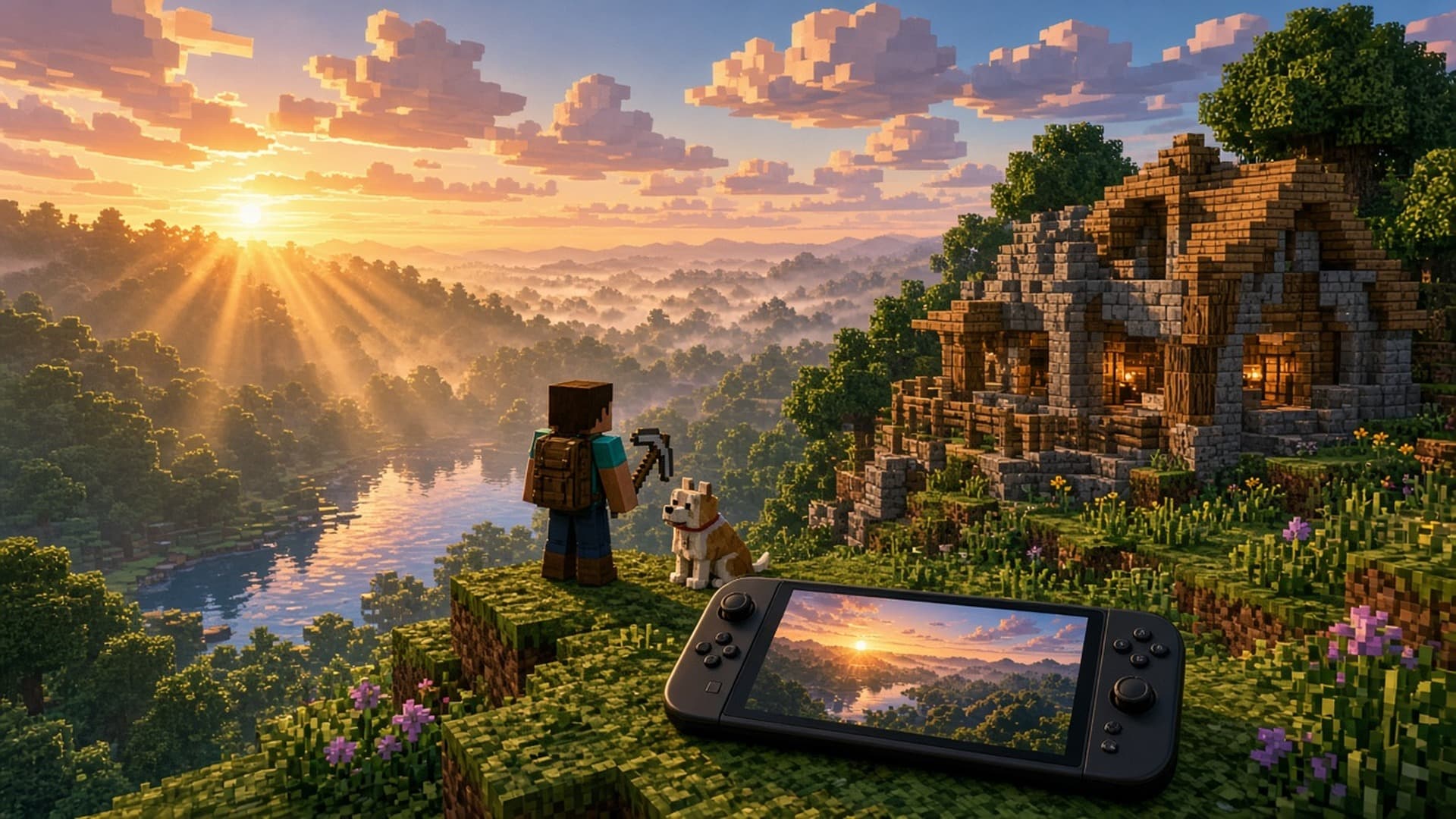
Vibrant Visuals is Mojang's big lighting overhaul that launched in June 2025 alongside the Chase the Skies update. It never came to the original Switch. On Switch 2 it is the default graphics setting. Mojang describes directional lighting, volumetric fog, shadows that move as the sun crosses the sky, reflective water, light playing on lake beds and clouds that seem to stretch forever.
The catch, repeated in every official listing: Vibrant Visuals is not available in split screen or in some Marketplace worlds and content. If most of your Minecraft is couch co-op with family, you will still get the speed improvements, but the screen will look closer to the classic style.
Super Mario Mash-Up Pack, refreshed
Every edition includes the Super Mario Mash-Up Pack, which is exclusive to Nintendo versions of Minecraft. It is a custom Mario world with locations like Peach's Castle and Delfino Plaza, plus 15 music tracks and 40 player skins, and on Switch 2 it is updated to use Vibrant Visuals.
Performance and controls
Nintendo Life gave the Switch 2 version 8 out of 10 and summed it up as a satisfying but slightly underwhelming upgrade. The key findings from that review:
- Load times and chunk generation are significantly faster than on Switch 1.
- The game targets 60 fps, with occasional drops depending on what is on screen.
- You can raise graphics settings for a prettier picture in exchange for a frame rate closer to 30 fps.
- Touchscreen controls are included for handheld play.
- There is no mouse mode and no motion control option.
Mojang has not published official resolution or frame rate targets of its own, so the review numbers are the best guide until more tests land.
Should You Upgrade?
Here is how I would think about it:
- You own Minecraft digitally on Switch 1: yes, claim it. It costs nothing, your worlds come with you and it looks and runs better. Just do it before January 31, 2027.
- You own the cartridge: check the discount message tomorrow. If you play handheld a lot, the faster loading and Vibrant Visuals are a real improvement. If you mostly play split screen, you lose Vibrant Visuals anyway, so the gain is smaller.
- You play mainly on PC, Xbox or PlayStation: owning Minecraft elsewhere does not unlock a free Switch 2 copy. Nintendo Life's verdict was that the port is only worth it if you want the Mario pack or a strong portable version.
- You have never played: the Standard Edition at $29.99 with the Mario world included is a good place to start, especially for kids getting a Switch 2 this holiday season.
Frequently Asked Questions
When does Minecraft come out on Nintendo Switch 2?
Minecraft for Nintendo Switch 2 releases on Tuesday, October 27, 2026 in the Americas, both digitally on the Nintendo eShop and physically at retail. Nintendo Australia lists digital copies for October 28 in that region. Mojang has not announced an exact unlock time, but the eShop's upgrade offer starts at 9 AM PT, which is 11 AM CT, on October 27.
How much is Minecraft on Switch 2?
On the US Nintendo eShop, the Standard Edition costs $29.99, the Deluxe Collection costs $39.99 and the Ultimate Collection costs $49.99. All three include the Super Mario Mash-Up Pack, and the bigger editions add add-ons, Character Creator items and 700 or 1,000 Minecoins.
Is the Minecraft Switch 2 upgrade free?
It is free if you own Minecraft for Nintendo Switch as a digital purchase. You can claim the digital Switch 2 Standard Edition at no cost through the Nintendo eShop until January 31, 2027 in most regions. Japan, Taiwan and Thailand pay a small token fee.
Do physical Minecraft Switch owners get a free Switch 2 upgrade?
No. Cartridge owners do not get the free Standard Edition. If you launch the Switch 1 version on a Switch 2 between October 27, 2026 and January 31, 2027 (9 AM PT on both dates), you get an in-game offer to buy the digital Ultimate Collection for Switch 2 at a discount.
Will my Minecraft worlds transfer from Switch to Switch 2?
Yes. The Nintendo eShop listing says Nintendo Switch worlds can be carried over so you can pick up where you left off. Marketplace purchases and Realms are tied to your Microsoft account, so sign in with the same account on Switch 2.
What is changing with Minecoins on Nintendo on October 27?
From October 27, 2026, Minecoins bought in Minecraft on a Switch or Switch 2 can only be used on Nintendo systems, and coins bought on other platforms cannot be spent on Marketplace purchases on Nintendo devices. Coins you owned before that date move to a Legacy Wallet that never expires, stays cross-platform and is spent first.
Does Minecraft on Switch 2 have Vibrant Visuals?
Yes. Vibrant Visuals is the default graphics setting on Switch 2, adding directional lighting, volumetric fog, moving shadows and reflective water. It is not available in split screen or in some Marketplace worlds and content.
Does Minecraft on Switch 2 support Joy-Con 2 mouse controls?
Not at launch. Nintendo Life's review reports touchscreen controls but no mouse mode and no motion controls. Mojang has not announced whether mouse support will be added later.
How many players can play Minecraft on Switch 2?
The eShop listing shows 1 to 4 players in split screen on one system, 2 to 8 over local wireless and 2 to 8 online. Online play needs a Nintendo Switch Online membership, and cross-play with other platforms needs a Microsoft account.