
Valorant Accounts for Sale
686 accounts availableAccountShark is an independent, player-to-player marketplace where players buy and sell gaming accounts and services directly. We are not endorsed by, affiliated with, or sponsored by any game publisher or developer referenced here.
PC | Diamond Peak | Sovereign Sword | Celestial Fan | Elderflame Vandal | Full Email
 2
2PC | Diamond Peak | Champions 2026 Fan | Champions 2026 Phantom | Full Email
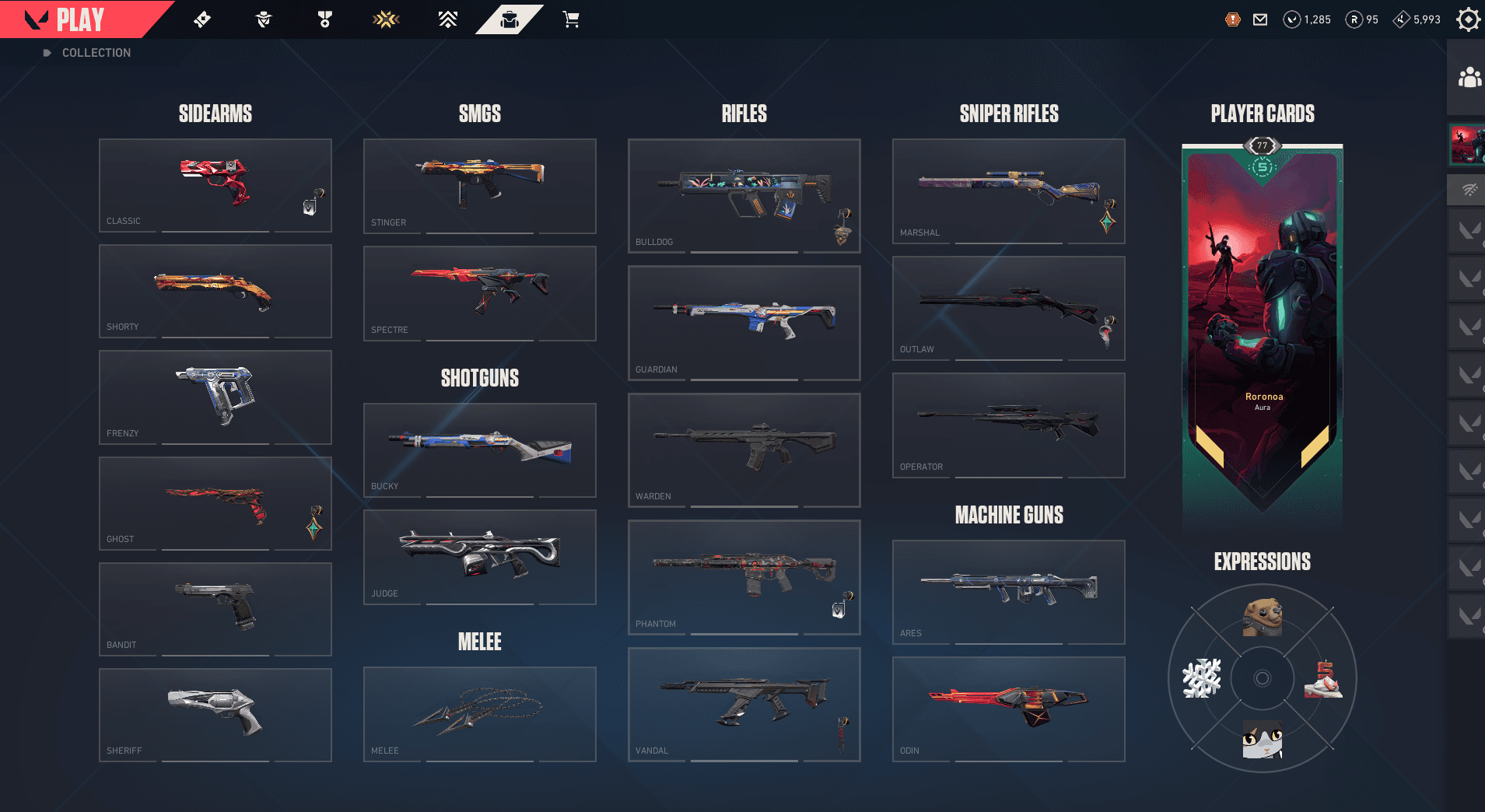
PC | Silver Peak | Champions 2024 Blade + Phantom | 68 Skins | Full Email
 10
10PC | Iron Peak | 33 Skins
 3
3PC | Blades of Imperium | Champions 2025 Vandal | 145 Skins | Full Email
 6
6PC | 2023-2022 Bundle | RGX 11x Pro Blade | Diamond Peak | Champions 2022 Butterfly…
 10
10ULTIMATE VALORANT LEGACY ACCOUNT | ALL CHAMPIONS 2021–2026 | BOTH ARCANE SETS | IGNITE…
 10
10PC | Ascendant Peak | Forsaken Ritual Blade | Champions 2025 Vandal | 107 Skins
 2
2PC | Xenohunter Knife | Singularity Sherif | RGX Vandal | Gold Peak | Elderflame…
 10
10PC | Gold Peak | 1 Skins
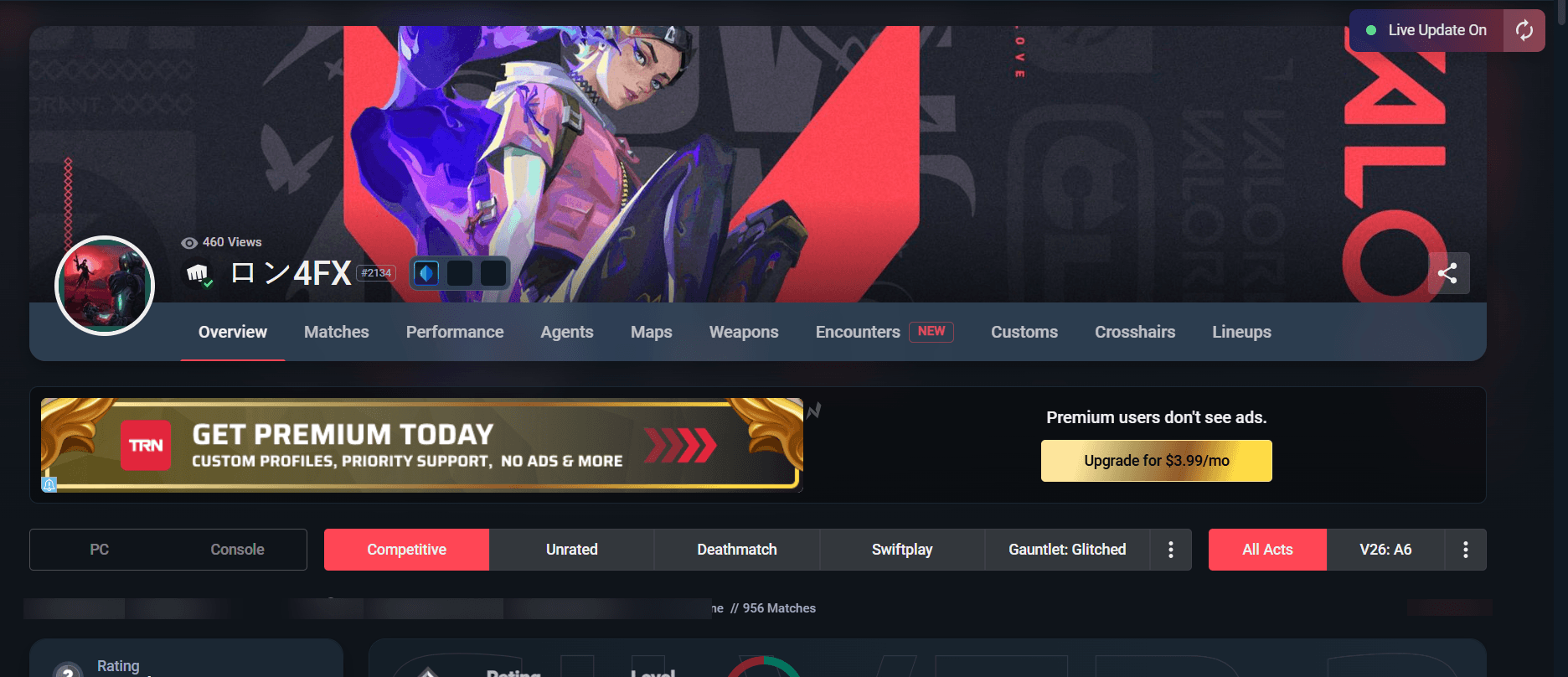
PC | Platinum Peak | Forsaken Ritual Blade + Vandal | 64 Skins
 6
6PC | Radiant | Full Email
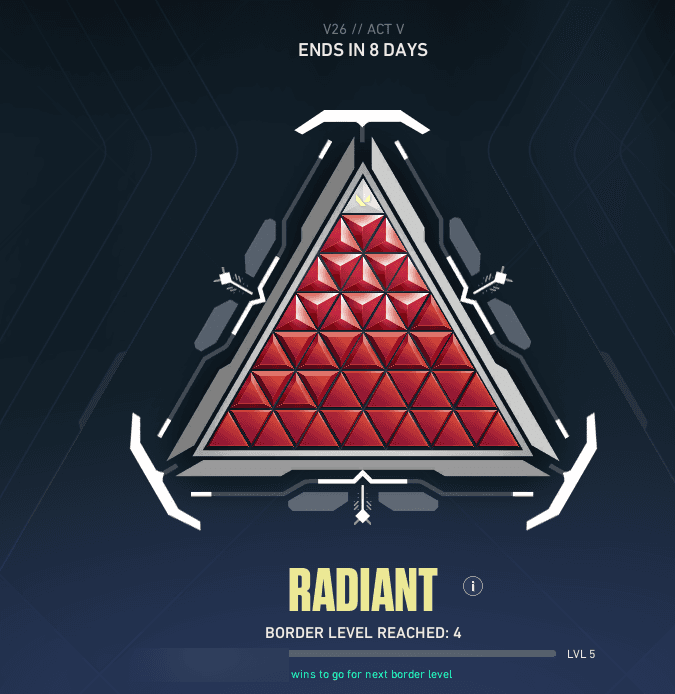
PC | VCT-Lock In Knife | Diamond Peak | RGX 11z Pro Firefly | Broken Blade of the…
 5
5PC | Platinum Peak | XERØFANG Knife | Rogue Push Daggers | Araxys Vandal | Full Email
 10
10PC | VCT 2025 Karambit | Kuronami Vandal | Gold Peak | Recon Balisong | Forsaken Vandal…
 6
6PC | Bronze Peak | Montage Axe | Nocturnum Scythe | Singularity Phantom | Full Email
 10
10PC | Radiant Peak | Champions 2025 Butterfly Knife + Vandal | 72 Skins | Full Email
 10
10PC | Immortal Peak | Magepunk Sparkswitch | Oni Phantom | 161 Skins | Full Email
 10
10PC | Gold Peak | 27 Skins | Full Email
 10
10PC | Unranked | Full Email

PC | Platinum Peak | EX.O Edge | Byteshift Knife | Doombringer Phantom | Full Email
 4
4PC | Arcane 2.0 Bundle | Silver Peak | XERØFANG Knife | Ion Karambit | Prime Classic
 9
9PC | Silver Peak | Singularity Butterfly Knife | Kuronami Naru-Kami | Reaver Vandal |…
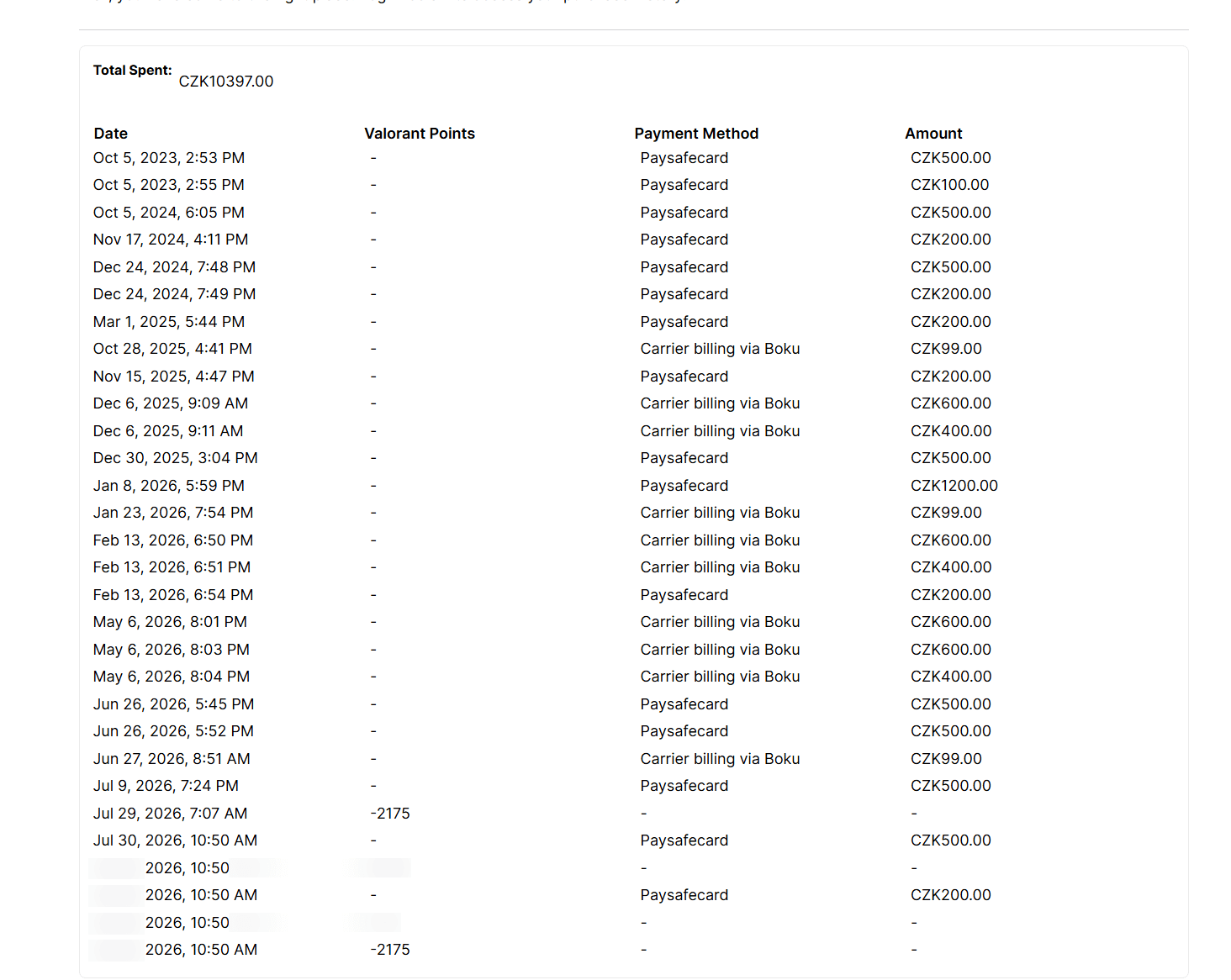
PC | Gold Peak | RGX 11z Pro Karambit | Black.Market Butterfly Knife | Champions 2025…
 10
10PC | Platinum Peak | Champions 2024 Blade + Phantom | 282 Skins | Full Email
 10
10PC | Ascendant Peak
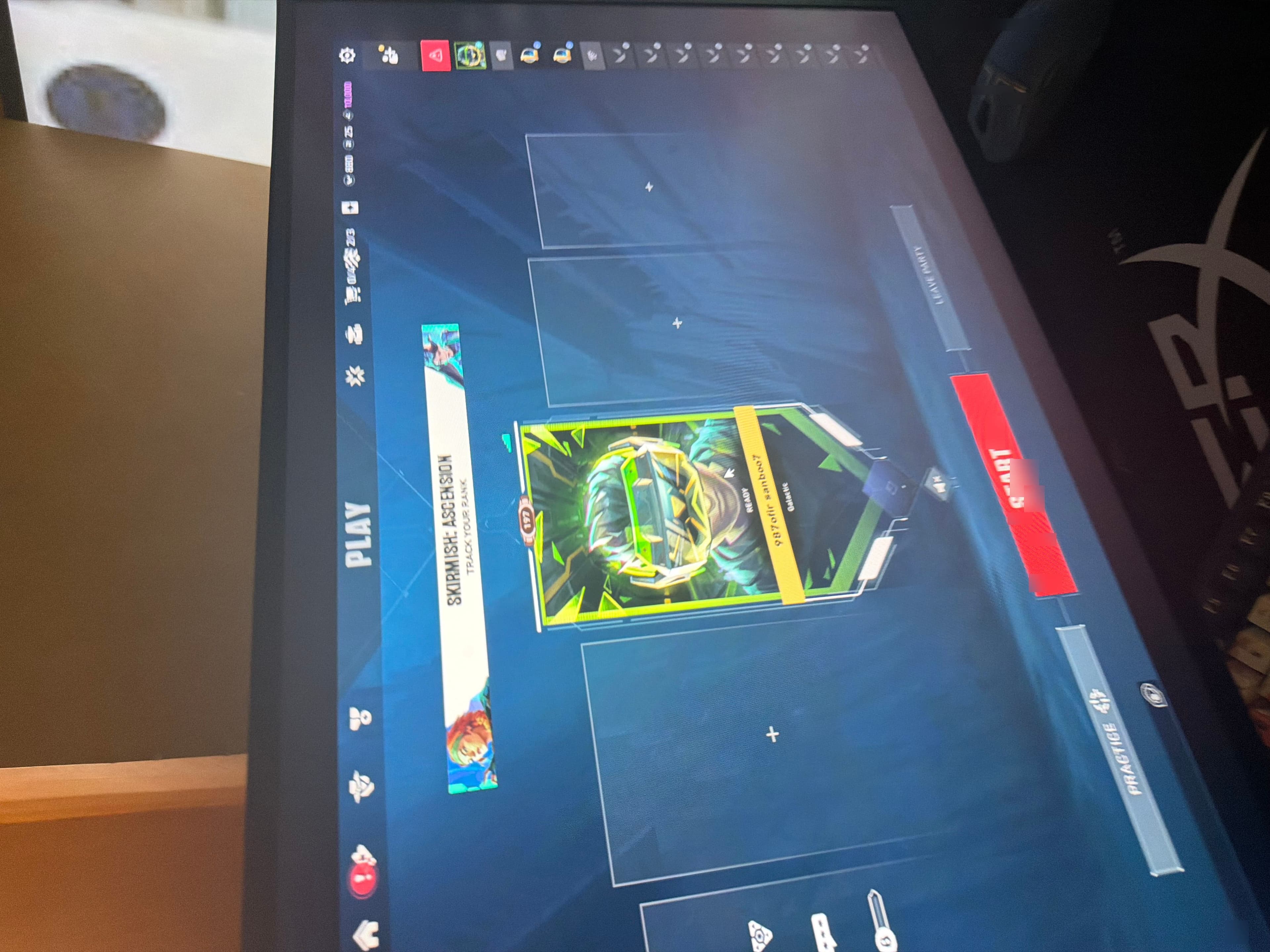
PC | Ascendant Peak | Kuronami no Yaiba | Neo Frontier Lasso | Kuronami Vandal | Full…
 9
9PC | Immortal Peak | Champions 2021 Karambit | Broken Blade of the Ruined King |…
 8
8PC | Diamond Peak | Singularity Butterfly Knife | Gaia's Vengeance Vandal | 33 Skins |…
 10
10PC | Platinum Peak | Glitchpop Axe | Magepunk Sparkswitch | Glitchpop Vandal | Full…
 10
10PC | Immortal Peak | Wonderstallion Hammer | Gaia's Wrath | Glitchpop Phantom | Full…
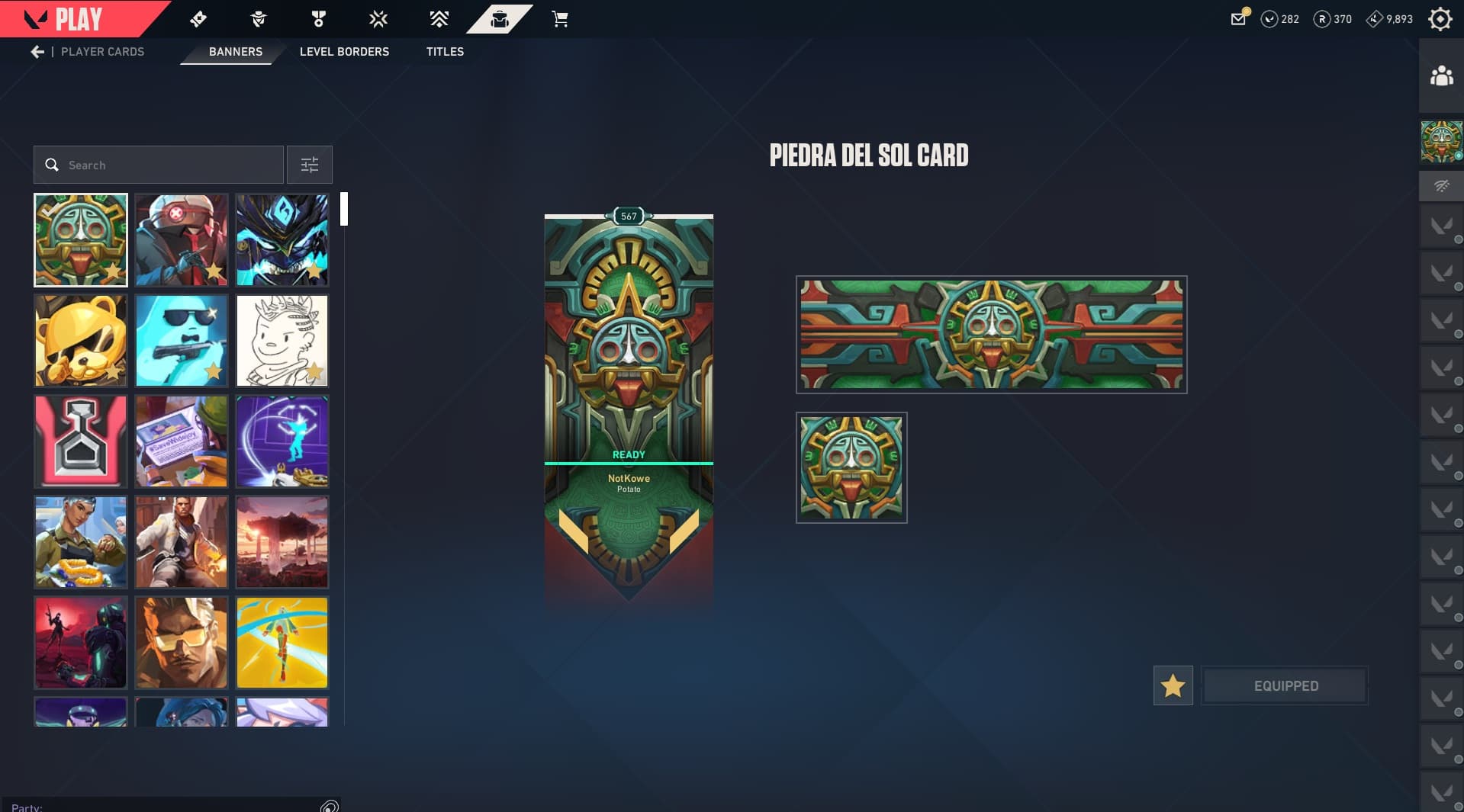
PC | Platinum Peak
 10
10PC | Stacked Account | Diamond Peak | Reaver Karambit | Araxys Vandal | 154 Skins |…
 10
10PC | Diamond Peak | Eternal Sovereign | Champions 2023 Vandal | 195 Skins | Full Email
 23
23PC | Ascendant Peak | Champions 2026 Fan + Phantom | 85 Skins | Full Email
 7
7PC | Diamond Peak | Champions 2026 Fan | Champions 2025 Vandal | 37 Skins
 5
5PC | Platinum Peak | Kuronami Naru-Kami | Araxys Bio-Atomizers | Champions 2026 Phantom…
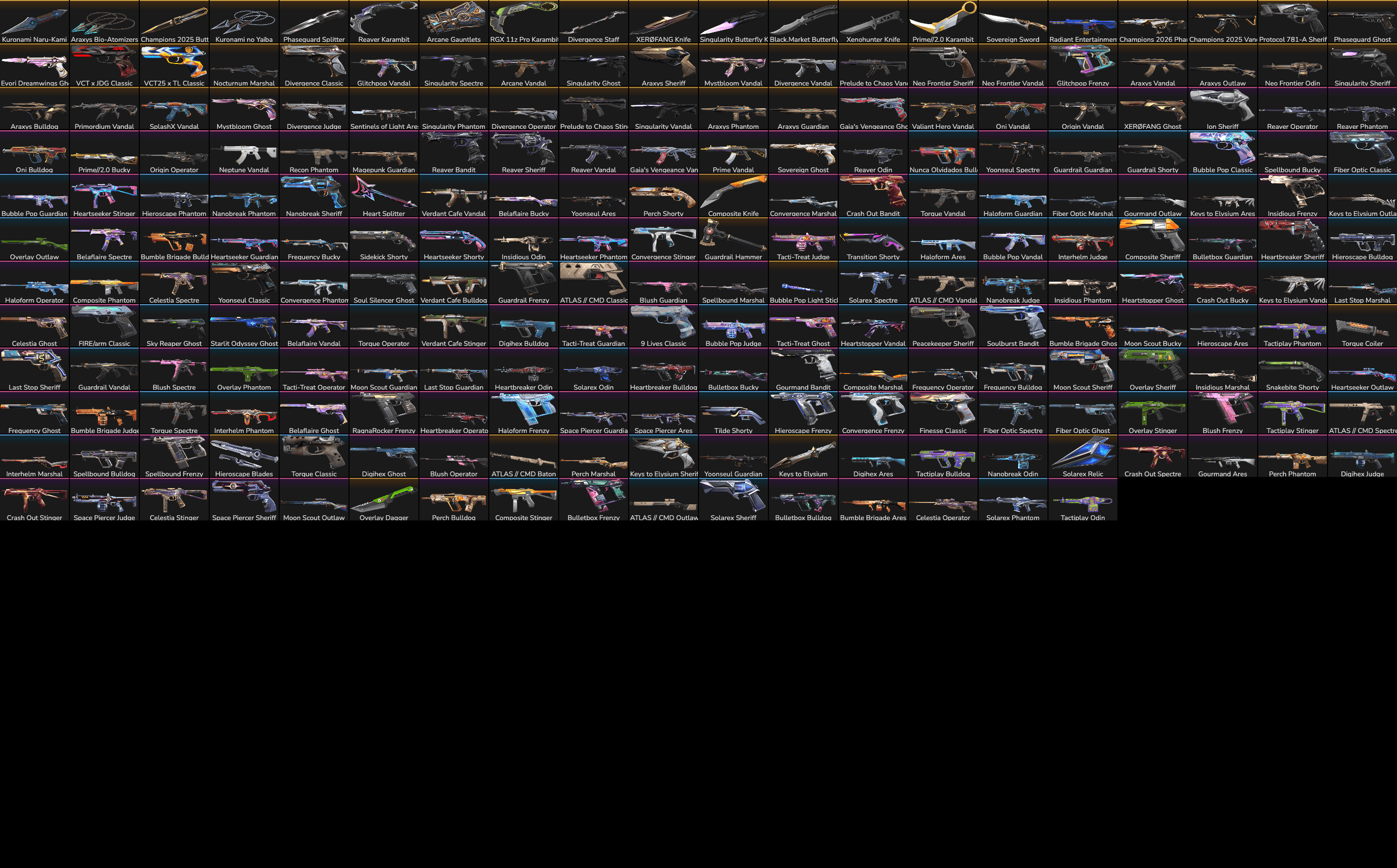
PC | Diamond Peak | Kuronami Naru-Kami | Keys to Elysium | Verdant Cafe Classic | Full…
 4
4PC | Gold Peak | Champions 2023 Kunai | Champions 2021 Vandal | 332 Skins | Full Email
 9
9PC | Platinum Peak | Champions 2024 Blade | Reaver Karambit | Champions 2023 Vandal |…
 6
6Buy Valorant accounts ranging from fresh Level 20 smurfs ready for ranked to Immortal and Radiant accounts with Champions, Kuronami, Reaver, Arcane, premium bundles, and knife skins. Full-email options are clearly marked, region and rank are checked before listing, and human support is available before and after the sale.
Valorant Account Value and Pricing Guide
Cheap Valorant accounts for sale on AccountShark start at around $20. Basic Level 20 accounts sit at the lower end, while high-rank accounts with rare knives, Champions bundles, Closed Beta rewards, and large skin collections can cost several thousand dollars.
Typical price ranges include:
- $20–$75 — Level 20 accounts with few skins and a lower starting price
- $75–$250 — ranked accounts with premium skins, unlocked agents, or available Valorant Points
- $250–$750 — higher-rank accounts with multiple knives, premium bundles, or larger skin collections
- $750–$4,500+ — accounts with Radiant rank history, Champions collections, Closed Beta rewards, rare knives, and large premium inventories
Price depends on more than rank or total skin count. Region, peak rank, Act history, specific weapon skins, knives, limited cosmetics, age, and included email access can all affect the price.
A cheap Level 20 Valorant account makes sense if you only want Competitive access. Radiant history, Champions skins, rare melees, and large premium inventories cost more.
Valorant Accounts with Rare Skins
Valorant accounts with rare skins can include premium weapon collections, limited Champions cosmetics, Battle Pass rewards, Arcane items, VCT cosmetics, and older rewards that are difficult or impossible to obtain today.
Popular skins and collections include:
- Champions 2021 Vandal and Karambit
- Champions 2022 Phantom and Butterfly Knife
- Champions 2023 Vandal and Kunai
- Champions 2024 Phantom and Blade
- Reaver Karambit
- RGX Blade
- Kuronami No Yaiba
- Oni Katana
- Sovereign Sword
- Elderflame
- Protocol 781-A
- Spectrum
- Araxys
- Glitchpop
- Recon
- Evori Dreamwings
- Arcane cosmetics and limited VCT rewards
Premium accounts may also include Closed Beta rewards, past Battle Pass skins, gun buddies, player cards, sprays, upgraded weapon variants, and multiple knives.
Check named skins instead of relying on the total. Two accounts with forty skins can have very different values if one includes common collections and the other has Champions weapons, premium rifles, and rare knives.
What to Check Before Buying a Valorant Account
Start with what matters most to you: rank, region, or skins. Once the listing has what you want, check the remaining details before buying.
Important details include:
- Region and platform
- Level and Competitive eligibility
- Current rank, peak rank, and available Act history
- Vandal, Phantom, Operator, Sheriff, Classic, and knife skins
- Total skin and melee count, completed bundles, upgrades, and variants
- Champions editions and other limited cosmetics
- Closed Beta and Battle Pass rewards
- Agents unlocked
- Valorant Points, Radianite Points, and Kingdom Credits
- Whether the original Riot email is included
- Phone and two-factor authentication status
- Any disclosed restrictions, penalties, or issues
Choose the right region before comparing rank, then verify the exact Vandal, Phantom, Operator, or knife skins you want. Before checkout, confirm the original Riot email, delivery method, and warranty terms.
How to Buy a Valorant Account Safely
Keep payment, delivery, and order messages inside AccountShark. Before checkout, confirm the region, rank, skins, restrictions, email access, delivery method, and warranty terms shown with the listing.
- Confirm the email access. Know whether the original Riot email, another transferable mailbox, or no email access is included.
- Keep payment on the marketplace. Do not send money directly to a seller outside the AccountShark order.
- Verify the delivery first. Test the Riot login and compare the region, rank, skins, agents, and currency balances with the listing before changing anything.
- Report a mismatch through the order. Contact the seller first; AccountShark support can review the documented transaction if the issue is not resolved.
Secure Valorant Account Delivery Guide
The listing shows whether delivery is instant or manual. Riot credentials and any included email access arrive through the buyer dashboard.
- Test the access. Confirm that the Riot login and included mailbox work.
- Verify the listing. Check the region, rank, skins, knives, agents, currencies, and disclosed restrictions.
- Stop if something is wrong. Contact the seller through the order before changing credentials; support remains available if the issue is not resolved.
Valorant Account Safety, Warranty, and Support
After a clean delivery, follow the order instructions for the Riot login, connected email, two-factor authentication, phone, recovery information, and saved payment details.
- Change the Riot and email passwords and set up your own two-factor authentication
- Review old phone numbers, recovery routes, restrictions, and saved payment details
- Avoid unnecessary changes that may increase recovery risk
- Keep the order information available if support is needed
No marketplace can completely remove the risks associated with a transferred Riot account, and Riot has its own rules regarding transfers.
AccountShark provides warranty-backed support for covered delivery, listing, and seller-caused access problems under the terms of the order.
Already own this game? Sell your Valorant account with its progression, collection and transfer details.
Why Buy Valorant Accounts from AccountShark?
AccountShark has sold gaming accounts since 2016. Its Valorant marketplace includes Level 20 ranked-ready accounts, Iron through Radiant ranks, Champions collections, Closed Beta rewards, Arcane cosmetics, Reaver and Kuronami skins, and inventories with multiple rare knives.
Listings show the rank, region, level, named skins, knives, currencies, email access, and delivery method before checkout.
Payment and delivery stay inside AccountShark, with safety instructions, warranty-backed support for covered problems, and direct help after delivery.
AccountShark is an independent player-to-player broker for buying and selling virtual video game property. AccountShark is NOT endorsed by, directly affiliated with, maintained, authorized, or sponsored by Valorant or its trademark owner.
Valorant Guides
Valorant Account FAQ
Answers to the most common questions about buying a Valorant account on AccountShark.