What Happens When You Buy a WoW Account? Step-by-Step Process
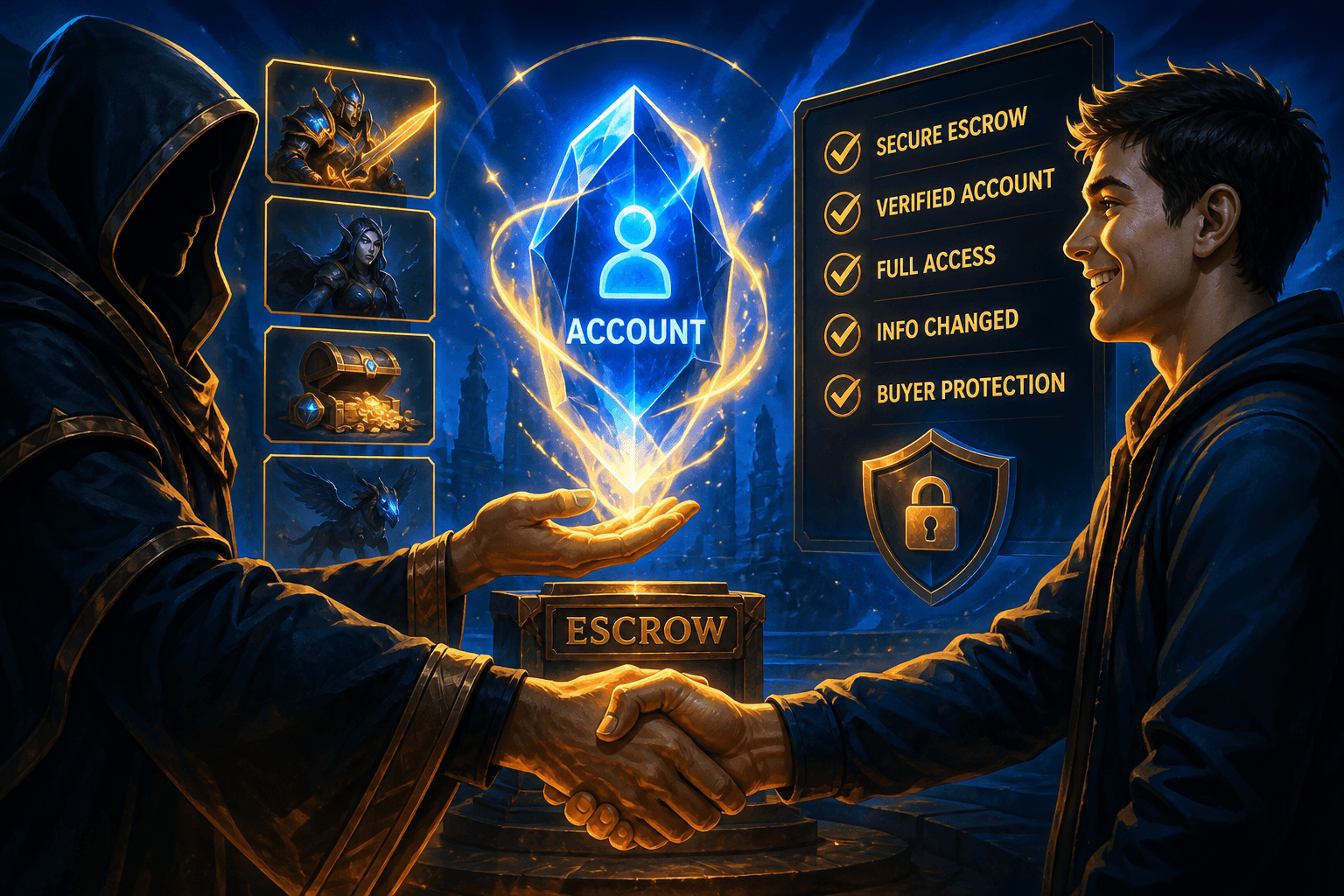
Quick Answer: Buying a WoW account is a private Battle.net credential handoff (email, password, authenticator) — not a Blizzard-sanctioned character move. After The War Within (July 23, 2024), you cannot transfer a purchased character onto your existing Battle.net account. Expect browse → pay (escrow-style) → credential handoff → immediate re-securing → first play session. Brokers like AccountShark verify listings and hold funds; the activity still violates Blizzard's EULA.
If you've never bought a WoW account before, the process can feel mysterious. How does it actually work? What happens after you pay? How do you get access? What do you need to do once you have it?
This guide walks you through the entire journey from browsing to owning, step by step, with no ambiguity. By the end, you'll know exactly what to expect at every stage in 2026.
Stage 1: Finding the Right Account
The buying process starts with finding an account that matches what you're looking for. This is the most important stage because it sets the foundation for everything that follows.
Define What You Want
Before you start browsing, get clear on your priorities:
- What do you want to do in-game? If you want to raid, look for accounts with geared characters and raid progression. If you're a collector, prioritize mounts, transmogs, and achievements.
- What's your budget? Account prices range from under $100 for basic accounts to several thousand for collector-tier accounts with rare, unobtainable items.
- What class do you want to play? Make sure the account has a max-level character of the class you prefer — or multiple classes if you like flexibility.
- What server/faction matters? If you have friends playing on a specific server, check that the account has characters there or that you're okay paying for a server transfer after purchase (same Battle.net only).
Browse Listings
On AccountShark, every listing includes detailed information:
- Character names, levels, classes, and servers
- Item level and gear quality
- Mount collection with total count and notable rares
- Transmog highlights including unobtainable sets
- Achievement points and notable Feats of Strength
- Title collection
- Gold balance
- Profession levels
- Account age and expansion history
Ask Questions
If something isn't clear from the listing, ask. Legitimate sellers and brokers welcome questions because they build confidence in the sale. Good questions to ask:
- Can I see a live screenshare of the account?
- What's the account's disciplinary history?
- How old is the account?
- Are there any active subscriptions or game time remaining?
- What games other than WoW are on the Battle.net account?
Stage 2: Making the Purchase
Once you've found the right account, it's time to buy.
Payment Process
Through a broker like AccountShark, the payment process works like any online purchase:
- Add the account to your cart
- Choose your payment method (credit card, PayPal, or other available options)
- Complete the checkout process
- Receive an order confirmation
What Happens Behind the Scenes
After you pay, the broker initiates the transfer process:
- The seller is notified that a sale has occurred
- The broker coordinates timing for the credential handoff
- Both parties are given instructions for their respective steps
- The transfer window is scheduled (usually within 24 hours)
Policy Reality Check
Blizzard's EULA says Accounts may not be purchased, sold, gifted, or traded, and Blizzard does not recognize transfers. Buying through a broker does not create an official ownership change inside Blizzard's systems. Brokerage framing means AccountShark is reducing counterparty fraud (fake listings, payment scams, incomplete handoffs) — not issuing a Blizzard-approved deed to the account.
Stage 3: The Transfer
This is the core of the process — the actual handoff of account credentials from seller to buyer.
How Credentials Are Transferred
The transfer involves several pieces of information changing hands:
Email Access The most important element. The registered email on the Battle.net account needs to change from the seller's email to yours. This happens in one of two ways:
- The seller changes the registered email to a new one you provide
- The broker facilitates the email change as an intermediary
Authenticator Status Any existing authenticator must be removed before the transfer. The account is handed over without two-factor authentication active, and you'll add your own immediately after.
What This Looks Like in Practice
Here's the typical timeline:
- Hour 0: You receive a notification that the transfer is beginning
- Hour 0-1: The seller removes their authenticator and prepares the account
- Hour 1-2: You receive the login credentials (email and password)
- Hour 2: You log into Battle.net and verify you can access the account
- Hour 2-3: You immediately begin securing the account (next stage)
Stage 4: Securing Your New Account
This is the most critical stage. Once you have access, you need to lock the account down immediately. Every minute you delay is a minute the account remains vulnerable.
Immediate Actions (Do These Right Now)
1. Change the Password Log into Battle.net and change the password immediately. Use a strong, unique password — at least 16 characters with a mix of letters, numbers, and symbols. Use a password manager like 1Password or Bitwarden to generate and store it.
2. Change the Email Update the registered email to one you own and control. Ideally, use a dedicated email address that:
- You created specifically for this Battle.net account
- Has its own strong, unique password
- Has two-factor authentication enabled
- Is not used for anything else
- Every login requires a code from your phone
- Account changes require authenticator approval
- Recovery becomes significantly harder for anyone else
4. Set Up SMS Protect Add your phone number for SMS-based account recovery. This provides an additional layer of security and a backup recovery method.
Secondary Actions (Do These Within 24 Hours)
5. Update Security Questions Change all security questions to new answers. Don't use real, guessable answers — use random phrases or generated strings. Store these in your password manager.
6. Review Account Settings Go through every section of your Battle.net account settings:
- Check connected accounts and remove any you don't recognize
- Review authorized applications
- Check login activity for any unfamiliar sessions
- Verify your account details are correct
- Characters are all present and as described
- Gold balances match what was advertised
- Guild memberships are intact
- No pending mail that looks suspicious
- Auction house listings are normal
- Warband bank and shared unlocks match expectations

Stage 5: Your First Session
You've secured the account. Now what? Here's what your first real play session should look like.
Familiarize Yourself with the Characters
Take time to understand what you now have:
- Open each character and review their gear, talents, and abilities
- Check profession levels and known recipes on each character
- Review the mount collection — sort by source to see what's rare
- Browse achievements — look at Feats of Strength and legacy completions
- Check the transmog wardrobe — see what unique appearances you have
- Review the toy box and pet collection
Set Up Your UI
The account will have the previous owner's addon configurations and UI layout. You'll want to:
- Install your preferred addons (or keep ones you like)
- Configure keybindings to your preferences
- Set up your action bars and UI layout
- Configure any tracking or notification addons
Update Character Names (Optional)
If you want to rename characters, you can purchase Name Changes from the Blizzard Shop. This is optional but some buyers prefer fresh names for their characters.
Join Communities
If you're on a new server or faction:
- Look for guilds that match your play style
- Join community groups for content you're interested in
- Check the server's community Discord if one exists
What You Get Access To
When you buy a WoW account, you receive everything associated with that Battle.net account:
World of Warcraft
- All characters on all servers
- Complete mount, pet, and toy collections
- Full transmog wardrobe
- All achievements and Feats of Strength
- Titles and reputation progress
- Profession skills and recipes
- Gold on all characters
- Warband bank contents
- Heirloom collection
Other Blizzard Games
- Any other games owned on the account (Diablo IV, Overwatch 2, StarCraft II, etc.)
- Progress, cosmetics, and purchases in those games
- Hearthstone collection if applicable
Battle.net Features
- Friends list (which you may want to clean it up)
- Balance (if any remains)
- Linked game keys and purchases
What Does Not Happen (Common Misconceptions)
- No Blizzard merge — Purchased characters do not appear on your old Battle.net account.
- No official transfer ticket — There is no Blizzard support path that "completes" a marketplace sale for you.
- No cherry-picked character — Cross–Battle.net character transfers are gone; you buy the whole account.
- Addons do not travel on the account — Local WTF/addon folders stay on the previous owner's PC.
After the First Week
Once you've been playing for a week:
- Verify all account security is solid (check login history)
- Confirm everything is working as expected
- If you purchased through a broker, confirm the transaction is complete
- Start enjoying your new account
Frequently Asked Questions
What happens when you buy a WoW account step by step? You choose a listing, pay through a broker or marketplace that holds funds, receive Battle.net credentials after the seller removes their authenticator, then immediately change email/password and attach your own authenticator and SMS Protect. After you confirm access, the broker releases payment. The whole arc usually lands inside 24–48 hours when both sides are responsive.
Can I transfer a bought WoW character to my existing Battle.net account? No. Blizzard disabled Paid Character Transfers between different Battle.net accounts on July 23, 2024 with The War Within pre-patch. Support cannot override that restriction. You will keep the purchased Battle.net login as a separate account forever (or until you resell it). Realm transfers still work for characters that already share the same Battle.net account.
Is buying a WoW account against Blizzard Terms of Service? Yes. The Blizzard EULA states that Blizzard does not recognize Account transfers and prohibits purchasing, selling, gifting, or trading Accounts. AccountShark's role is brokerage-style coordination and verification between private parties — reducing scam risk — not rewriting Blizzard policy. Buy with that risk model in mind.
How long does it take to get access after buying a WoW account? Credential handoff often takes 1–3 hours once the transfer window starts. End-to-end from checkout to fully secured account commonly takes 24–48 hours depending on seller responsiveness and time zones. Instant delivery claims for full Battle.net accounts are usually marketing fluff unless the seller is already staged and online.
What if the WoW account doesn't match the listing after purchase? Through a broker, report discrepancies immediately with screenshots. Pre-listing verification catches most issues, but if something material is missing, the transaction can be reversed or adjusted under the broker's process. Waiting days to complain weakens your position — check characters, mounts, gold, and Feats of Strength during the confirmation window.
Can I play immediately after buying a WoW account? You can log in as soon as you receive credentials, but prioritize securing the account before raiding or trading. Playing on an unsecured handoff (seller email still attached, no authenticator) is how buyers lose accounts to recovery or residual access.
Will other players know I bought the WoW account? Not automatically. Characters look the same in-game. Clean the Battle.net friends list early so the previous owner's contacts are not messaging "who are you?" every login. Guild officers may notice behavior or schedule changes; that is social, not a Blizzard flag by itself.
What about addons and UI settings on a purchased WoW account? Most addon configurations and game settings are stored locally on a computer, not on the Battle.net account. Expect to install your own addons and rebuild UI. Cloud-synced Blizzard settings (where applicable) may carry some preferences, but treat local addon folders as non-transferable.
Does buying a WoW account include Warband bank and account-wide unlocks? Yes — those systems live on the Battle.net account being handed over. Mounts, many reputations, Warband bank contents, and shared unlocks stay with the purchased login. That is part of why full-account deals replaced single-character sales after cross–Battle.net transfers disappeared.
What should I do in the first hour after receiving WoW account credentials? Change password, take over email, attach Blizzard Authenticator, enable SMS Protect, then verify characters and collections against the listing. Only after those steps should you confirm the sale to release escrowed payment. Skipping security to "just look around" is the most common buyer mistake.
Ready to Start?
Browse WoW accounts on AccountShark to find verified listings with detailed breakdowns of everything included. Every account is vetted before listing so you know exactly what you're buying.
Have questions about the process? Check our frequently asked questions or reach out to our support team.
---
*This guide covers the standard account buying process as of September 2026. Specific steps may vary slightly depending on the broker and circumstances of the sale.*
Buy or sell World of Warcraft accounts?
Browse available World of Warcraft accounts from screened sellers.